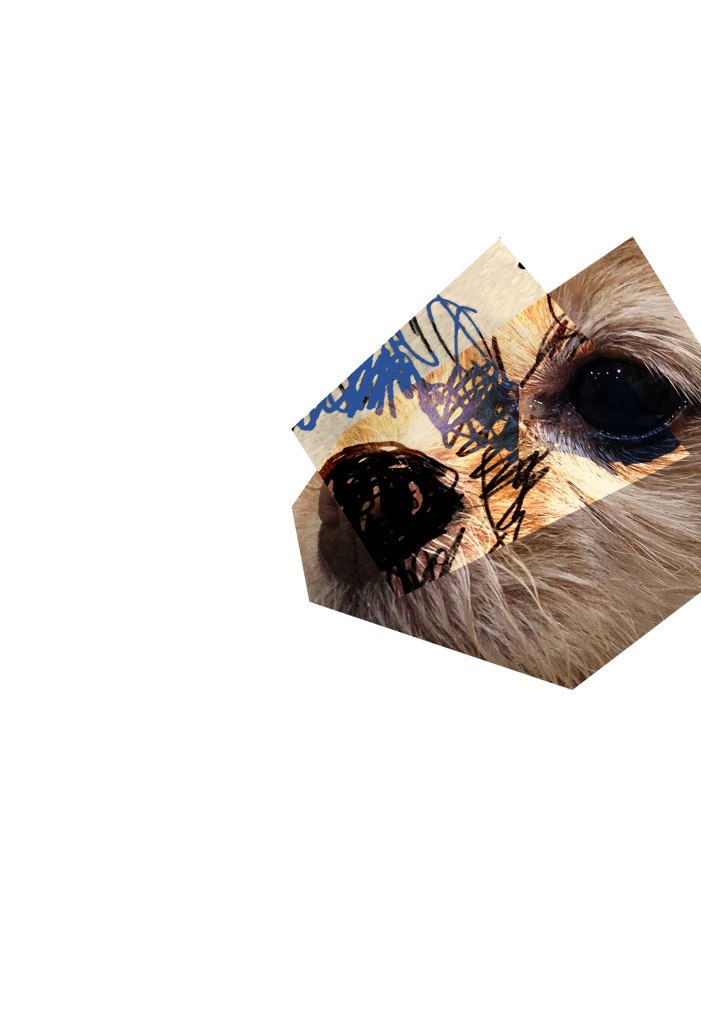
I started out by using the polygonal lasso tool to cut out all of the images I wanted to use of my dog into geometric shapes. I Incorporated my sketch into this photo by placing it on top and using the gradient tool and layer modes.
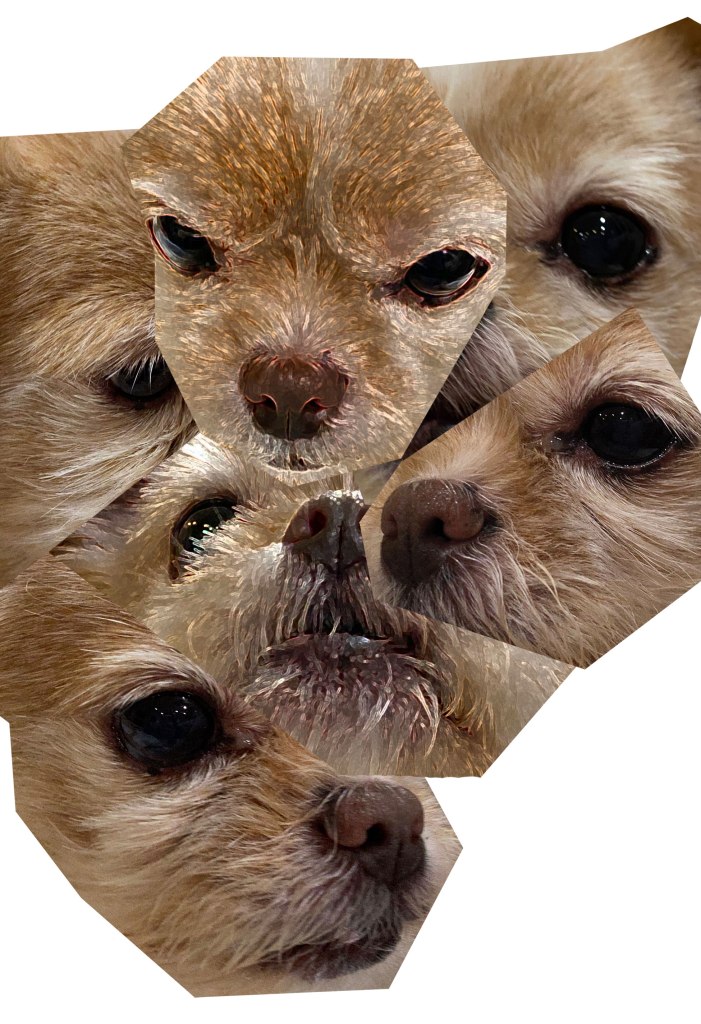
I put all of my assets into my master file and arranged them how I wanted it to look. I then played around with some of the filters on a few of my photos.
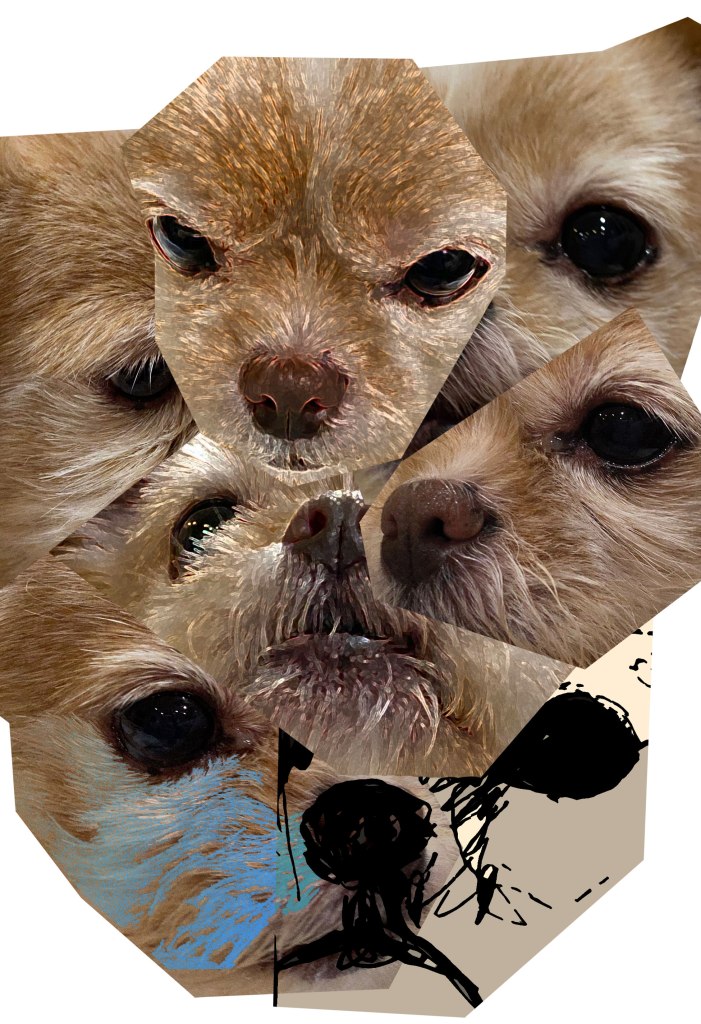
Next I added added my sketch into the composition and used a filter on it to make it stand out. I also used the layer modes on it. I also played around with using the magic selection tool and copying and pasting in place to change the color of certain areas. I used the gradient tool for that.
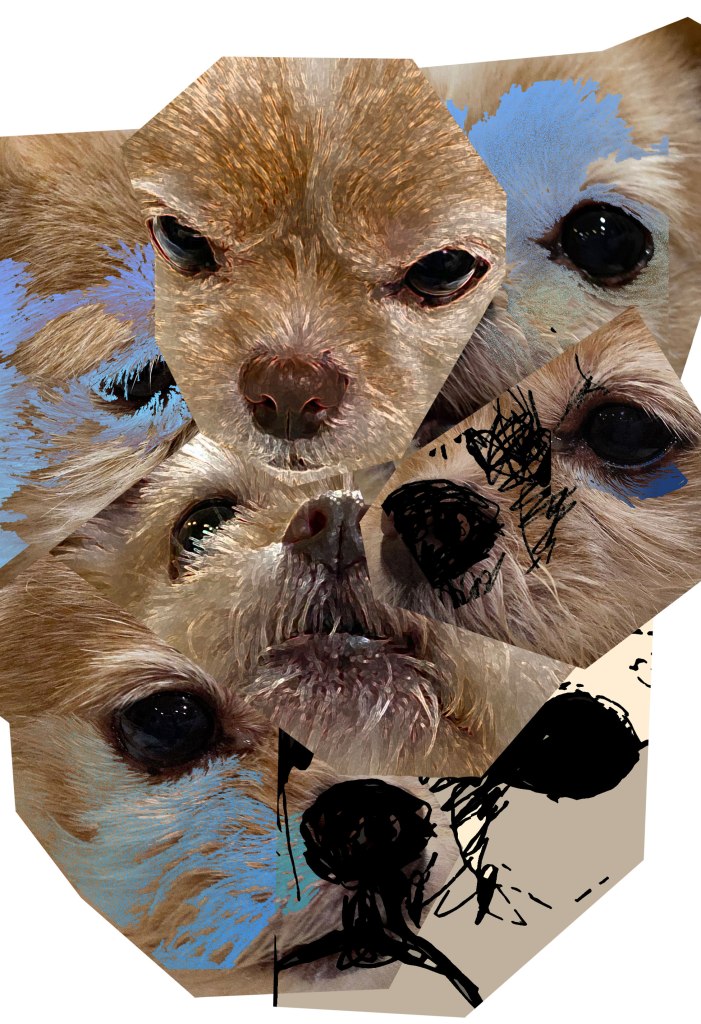
I continued to play around with the filters, layer modes, magic selection tool, and gradient tool until I got my desired look.
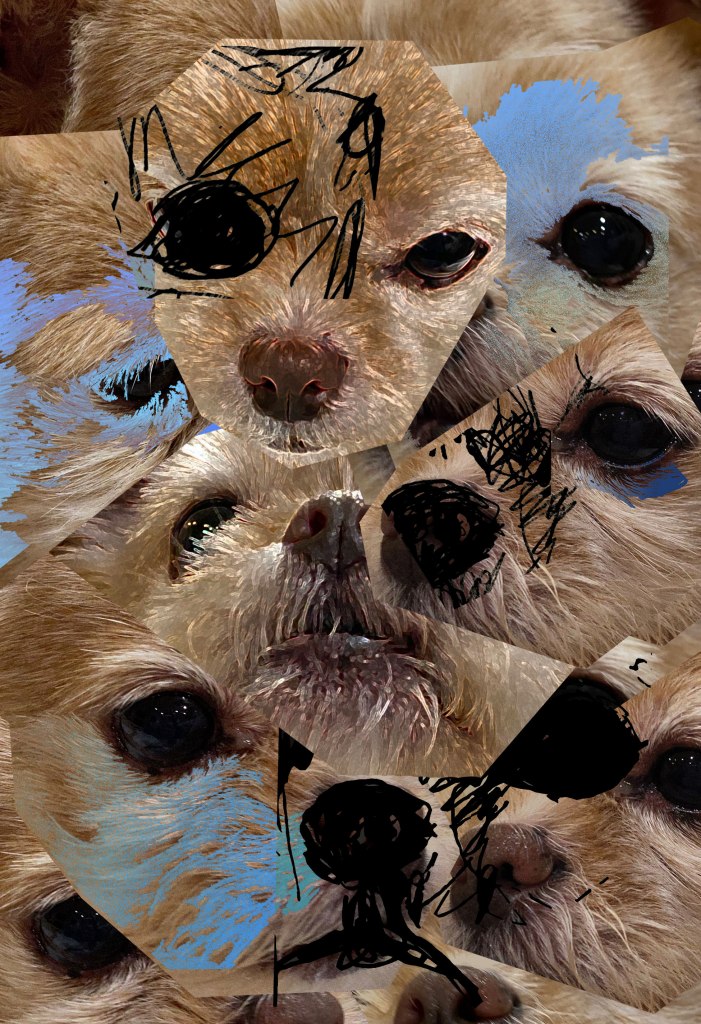
Finally, I added some more of my sketches to the composition and filled in the empty spaces with copies of the images that I already used.
 Lela art